
PETERBOROUGH ESCAPES
Your membership
A guide for your phone · Page 3 of 5

STEP 6 Manage your subscription
Sign in. Tap Menu, then Account. Scroll to Your subscription and check your renewal date.
Already pay by card? Use the last section below. Otherwise, choose one payment method. Renewal options appear in the 10 days before renewal or when you need a new subscription.
Pay by cash or bank transfer
- Under Choose a plan, tap Select beside the monthly or yearly plan. Check the price shown.
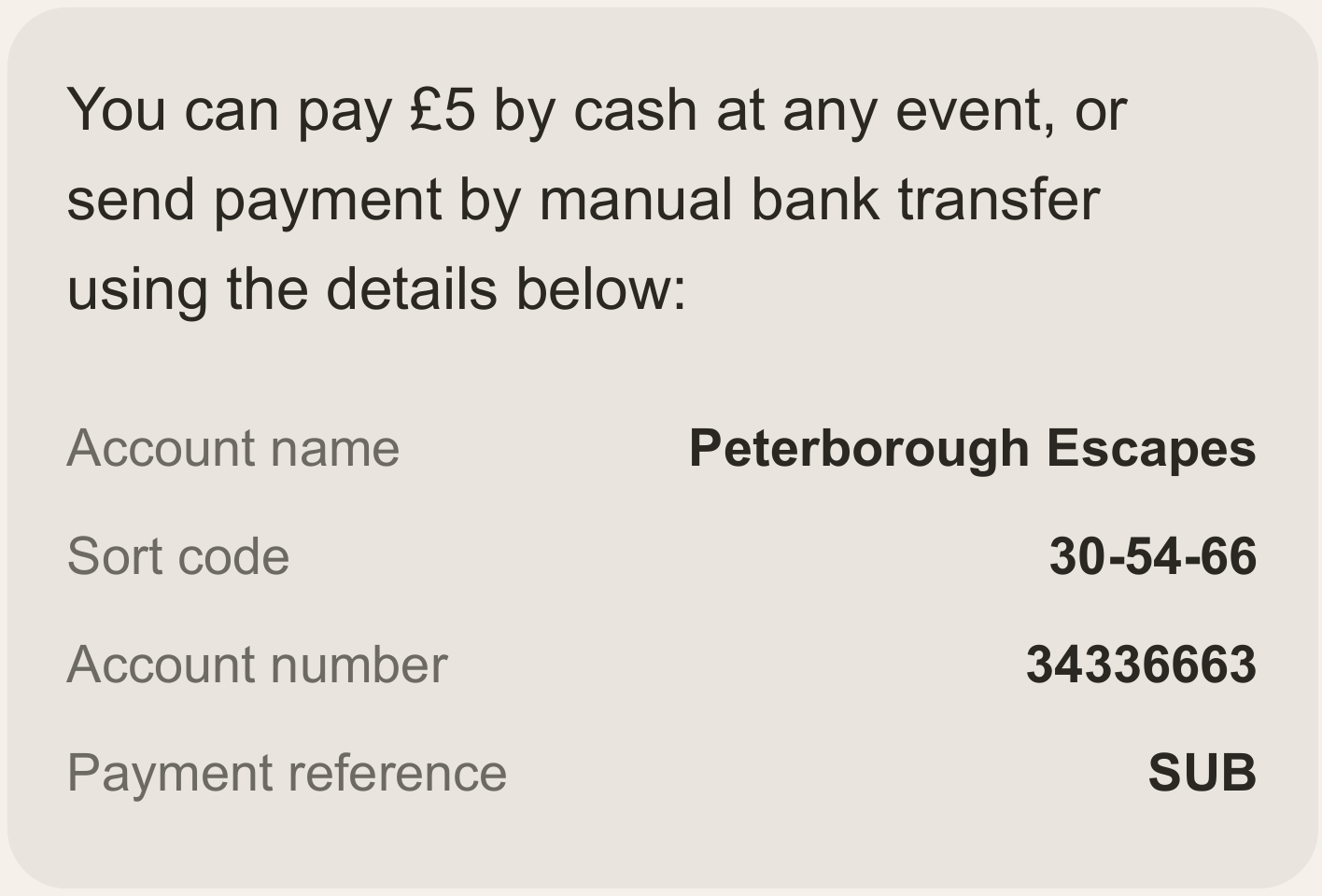
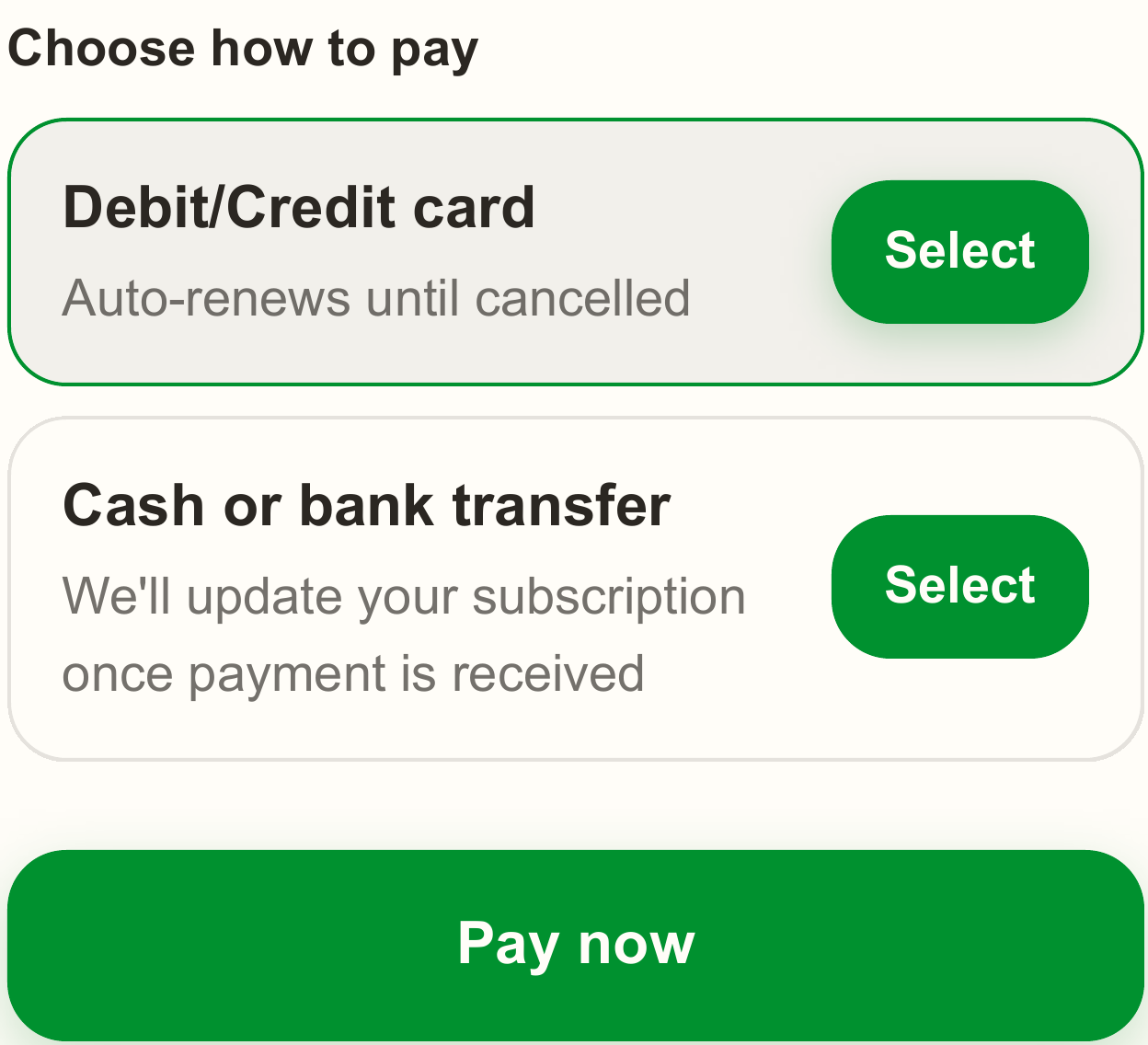
- Under Choose how to pay, select Cash or bank transfer. Scroll down to the payment details.
- Cash: pay an organiser. Give your name and say whether it is for monthly or yearly membership.
- Bank transfer: use your banking app. Use the account details, amount and Payment reference on your phone. Check before sending.
After paying: keep your payment confirmation. An organiser updates your renewal date after payment. Contact them if it has not changed after a few days.
Set up automatic card payments
- Select a monthly or yearly plan, then Debit/Credit card under Choose how to pay.
- Tap Pay now. Stripe, the payment service, opens. Check the amount and how often you will pay.
- Enter your card details. Finish checkout, including any bank checks.
- Return to Account and check your subscription status and renewal date.
Card payments repeat automatically until cancelled. Ask an organiser if your renewal date is unchanged after payment.
Change your card or stop automatic payments
- Tap Manage with Stripe in Your subscription, or Configure auto-renewal if it is ending.
- Follow Stripe's options to update your card, cancel automatic renewal or restart it. Confirm, then return to Account to check.
Switching to cash or bank transfer? Cancel renewal in Stripe first. You keep access until expiry. In the last 10 days, choose a plan under Or renew by cash / bank transfer to see payment details.